



 Game Online
 Tài khoản Full Thông Tin
 Combo nhiều Game
 Làm việc, học tập
 Trang chủ
 Giỏ hàng
 Cửa hàng
 Tài khoản
Hướng dẫn
Hướng dẫn cập nhật thị trường chuyển nhượng EA SPORTS FC (Update 15/09/2026)
Tải squad về giải nén
Link tải Squad: https://drive.google.com/file/d/1FghiRMOLepAsemF0Mp3Jk0g4_OVRZzNR/view?usp=sharing
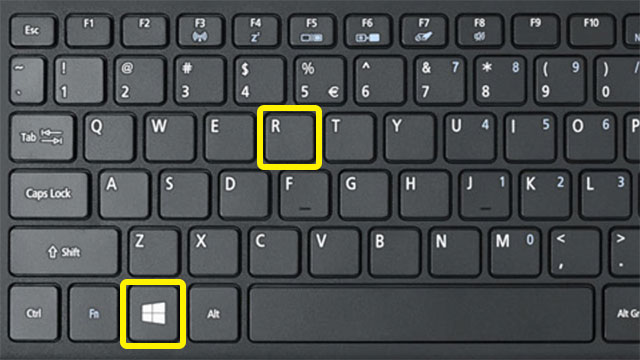
Bước 1. Ấn tổ hợp phím: Windows + R
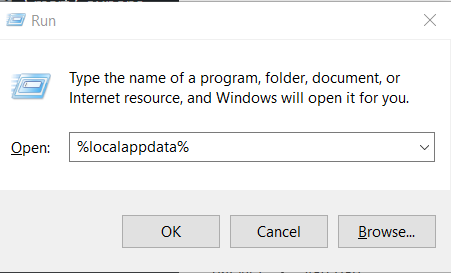
Bước 2. Nhập %localappdata%
Bước 3. Tìm và bỏ squad file vào thư mục EA Sports FC26/settings
Mở game lên vào settings/profile/loadsquad. Chọn squad nhấn Enter là xong
Video hướng dẫn (xem từ 1:55): https://www.youtube.com/watch?v=wLqoq4cS5i4

Fc25 có dùng được ko shop
hello world
hello world